gTTS GUI
Text-to-speech export
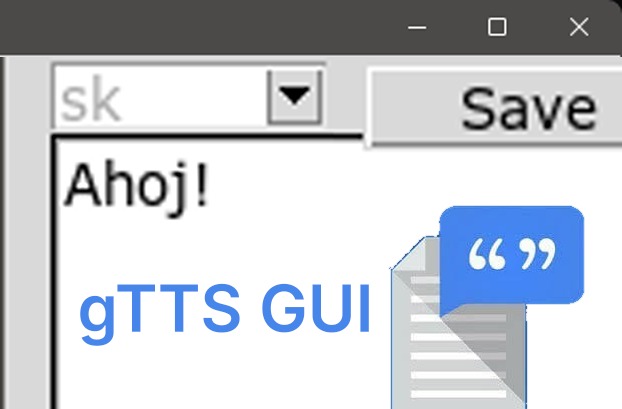
A text area and a save button over gTTS: type text, get a spoken audio file.
- Fields
- Interests
- Language
- Year
- 2020 · last push 2025-11-05
- GitHub
- 0 (2026-11-07)
README
Straight from the project’s GitHub repository. (2026-11-07) · GitHub
Simple gTTS GUI
Are you struggling to find a high-quality free TTS online? Frustrated that the best quick TTS is only available through Google Translate? Want to save the TTS output for later use?
This simple GUI is here to help! It provides a large text area for input and a single button to save the output, making it easy and convenient to use.
The GUI is built using tkinter, ensuring a lightweight and responsive experience.
Installation
Create a virtual environment:
python3 -m venv venvActivate the virtual environment:
source venv/bin/activateInstall the required package:
pip3 install gttsRun the application:
python3 .
Currently, there are no plans to expand this project, but contributions are welcome!