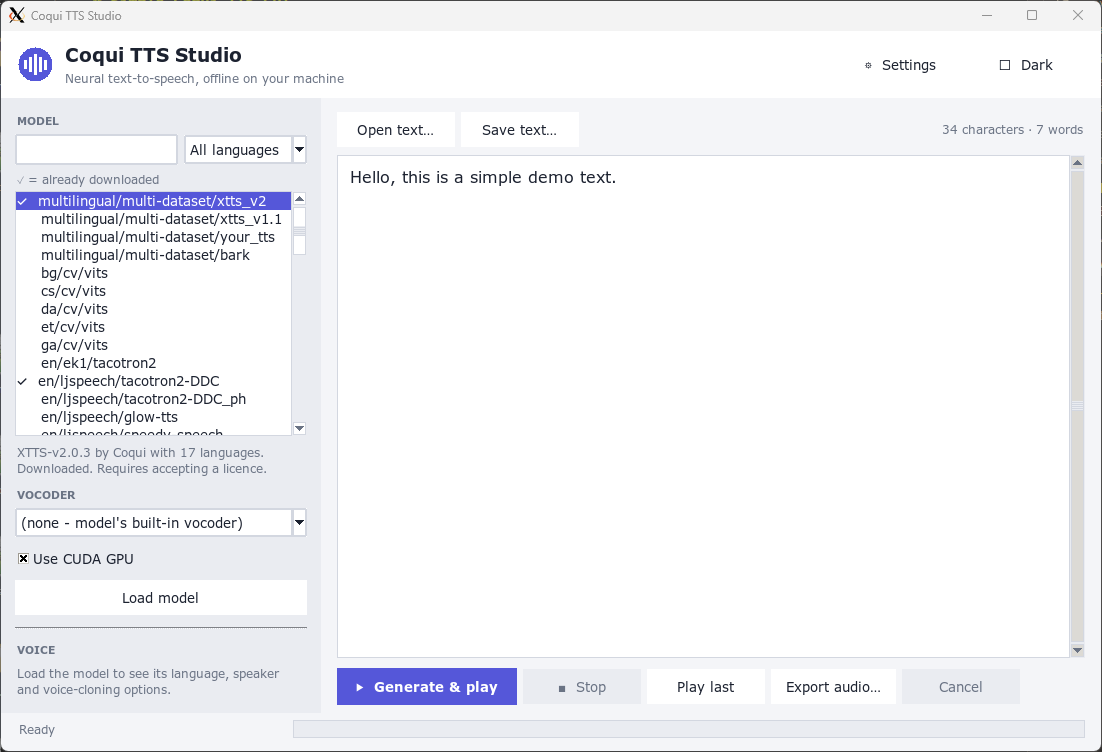
Coqui TTS GUI
Interface for using TTS and vocoder models
A text editor that interfaces with TTS and vocoder models: type the text, pick a voice and a vocoder, get the audio file. The interface for using Coqui's text-to-speech models and neural vocoders.
- Fields
- Interests
- Language
- Year
- 2026 · last push 2026-11-06
- GitHub
- 1 (2026-11-07)
README
Straight from the project’s GitHub repository. (2026-11-07) · GitHub
Simple Coqui-TTS GUI
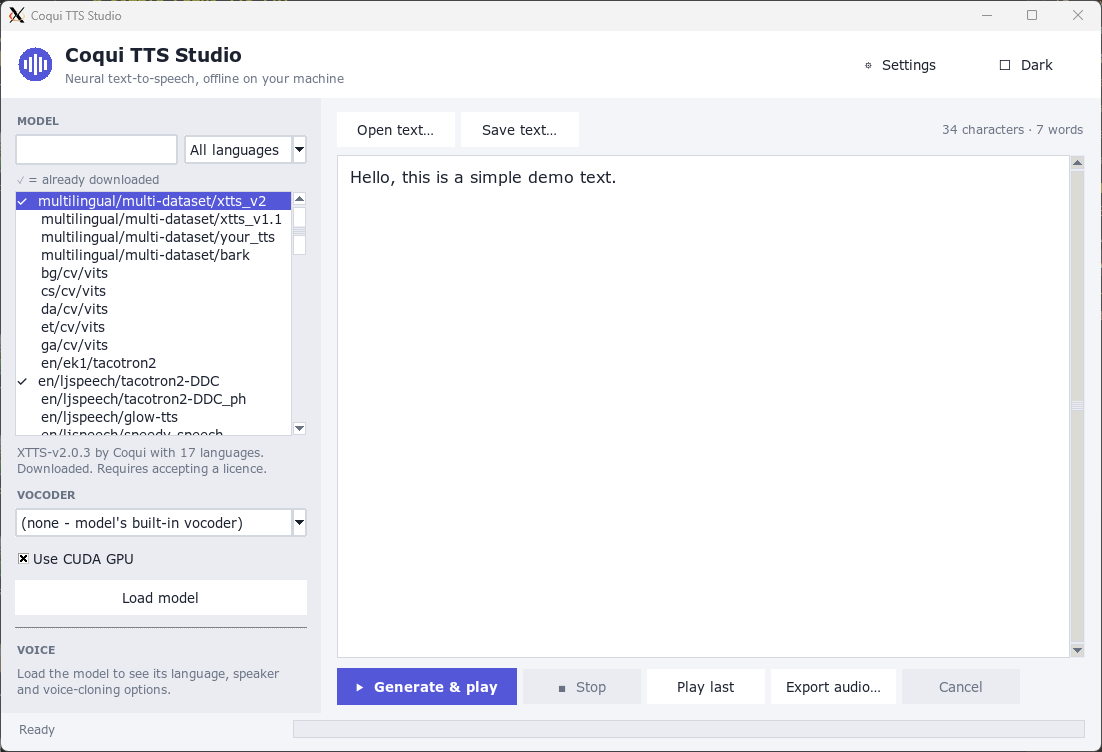
Graphical user interface for using released Coqui-TTS and vocoder models in the form of a text editor, made using Tkinter. This project is not made nor endorsed by the authors of Coqui-TTS. Forked from older project: https://github.com/smaybius/Coqui-TTS-GUI-solution
How to use
First run:
git clone https://github.com/iairu/Coqui-TTS-GUI.git
cd Coqui-TTS-GUI
python -m venv venv
venv/bin/python -m pip install -r requirements.txt
venv/bin/python gui.py
Subsequent runs:
cd Coqui-TTS-GUI
venv/bin/python gui.py
Audio
Playback and recording are handled by audio.py and can be configured in the in-app Settings page:
- PulseAudio / PipeWire (
pactl,paplay/pw-play,parecord/pw-record), including WSLg's/mnt/wslg/PulseServer. - ALSA (
aplay/arecord) when the machine has real sound cards. - Windows host (WSL): plays/records through the Windows default device via PowerShell. Works on Ubuntu, Debian and Arch WSL without any Linux audio setup.
"Automatic" picks the first working option in that order and ignores dummy PulseAudio outputs.